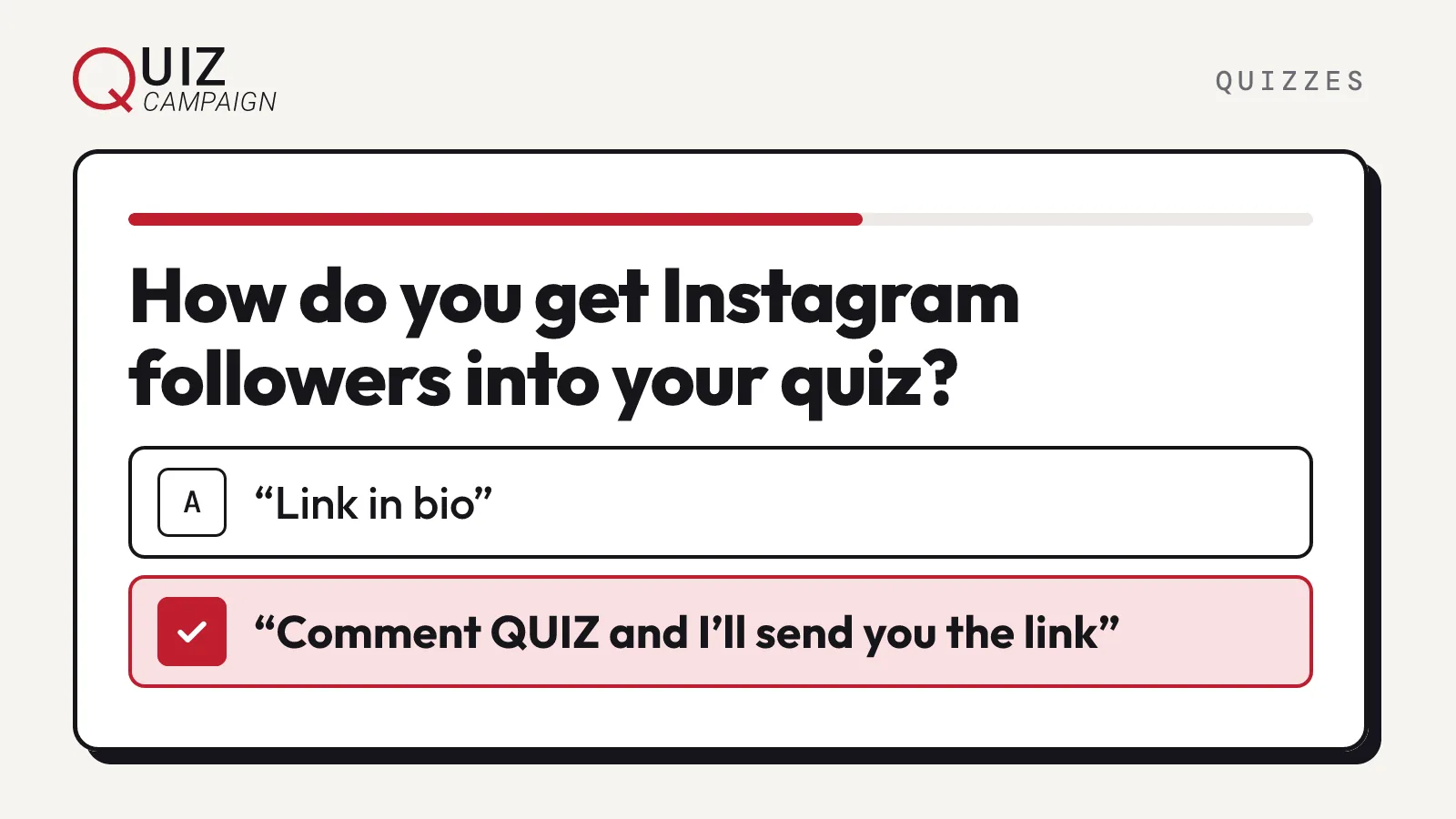
You've probably seen it on Instagram: a Reel or post that ends with "Comment QUIZ and I'll send you the link."
There's a simple reason it caught on. Links in Instagram captions aren't clickable, and "link in bio" asks people to stop what they're doing, go to your profile and find the right link. Most don't.
A comment is one tap. The link arrives in their messages, where they can open it straight away or come back to it later. And a quiz is the perfect thing to send, because it's personal: people want to know their result.
Here's how to set it up.
What you need
- A quiz with its own link. QuizCampaign quizzes are hosted on their own page, so there's nothing to embed. You just share the link.
- A way to send the link automatically. You can reply to comments by hand when you're starting out. Once posts get more than a handful of comments, use a DM automation tool connected to your Instagram account. It watches for the keyword and sends your message.
- A post that makes people curious about their result. This is the part that matters most.
Step 1: Write a post about the problem, not the quiz
Nobody comments "QUIZ" because they want to take a quiz. They comment because they want to know something about themselves.
So the post should be about the problem your quiz measures. For example, for a nutritionist with a fertility assessment:
- "5 signs your hormones need support before you try to conceive"
- "I see these three habits in almost every client who's struggling to get pregnant"
- "Why 'just relax' is the worst fertility advice"
Then the call to action connects the post to the quiz:
"Want to know where you stand? I made a free assessment that scores 13 areas of your fertility health. Comment QUIZ and I'll send it to you."
The more specific the promise, the better it works. "Find out your score in 13 areas" beats "take my quiz".
Step 2: Write the message they receive
Keep it short and make the link the obvious next step.
"Here's your fertility assessment 👇 It takes about 10 minutes, and you'll get a personal report with your results straight away. [link]"
Two things to include:
- How long it takes, so people know whether to do it now or later
- What they get at the end, so they know it's worth finishing
Step 3: Pick a keyword that's easy to type
"QUIZ" works well: it's short, it's clear, and people already know what it means from other accounts. Other good options are a word from your quiz title ("SCORE", "HORMONES", "READY").
Avoid long words, words people might misspell, and words that might appear in normal comments.
Step 4: Track which posts bring leads
This is where most people stop, and it's a shame, because it's the most useful part.
Instead of one link for everything, use a slightly different link for each place you share the quiz: one for this Reel, one for your Stories, one for your bio. QuizCampaign saves where every lead came from, so you can see which posts actually bring people into your quiz, and which only bring likes.
After a few weeks you'll know which topics your audience responds to. Make more of those.
Step 5: Use every other place too
The comment campaign is the main event, but it's not the only way in.
- Stories: add a link sticker to the quiz. Lead with a question ("Do you know your score?") rather than just "new quiz".
- Your bio: keep the quiz link there all the time. It's your always-on lead magnet.
- Highlights: save a short Story series about the quiz, so new followers find it.
- Pinned post: pin your best-performing quiz post to the top of your profile.
Step 6: Follow up with the results
Someone who commented, took the quiz and got their results has told you a lot. Use it.
Your follow-up emails should refer to their result: their lowest score, their recommendation, the area they need to work on. That's what turns a quiz taker into a client. Our guide to writing an autoresponder sequence for your quiz shows how.
Common mistakes
- Making the post about the quiz. Make it about the problem. The quiz is the answer.
- Hiding what people get. Say clearly: a score, a report, a recommendation.
- One link for everything. You'll never know which posts work.
- Only posting about it once. Most of your followers didn't see that post. Share the quiz regularly, from different angles.
The short version
- Post about the problem your quiz measures.
- End with "Comment QUIZ and I'll send you the link."
- Send the link automatically, with a line about what they'll get.
- Use a different link per post, so you know what works.
- Follow up using their results.
Want a quiz worth commenting for? Book a demo and we'll show you how one works, from first question to results page. For more ideas on getting people to share it, see how to make your quiz go viral.